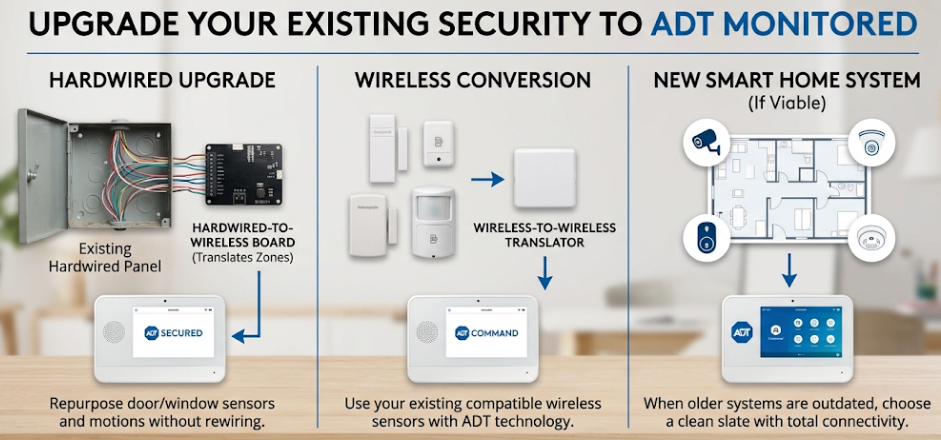
When looking to step up home security, many homeowners hesitate because they believe switching providers means tearing out their existing equipment, putting holes in their walls, and spending a fortune on a completely new setup. If you already have a home alarm system installed, there is excellent news: you likely do not need a complete overhaul.
Read MoreADT Security Pro - Home Security Blog
Don't Always Rip and Replace: How to Upgrade Your Existing Home Security System to ADT
Posted by Kyle Madison on Wed,May 20,2026 @ 04:09 PM
Tags: ADT Pulse Security System, Cellular Security Systems, ADT Free Home Security System, CA Security, ADT Authorized Dealers, ADT Monitoring Service, ADT Pulse Cameras, ADT Security System, ADT Wireless Security Systems, ADT Hard Wired Security Systems, ADT Home Security Systems
How can I upgrade my current ADT Home Security Alarm System?
Posted by Taniqua Pino on Mon,Jul 31,2023 @ 09:38 AM
CALL 800-960-4590 FOR A FREE SECURITY REVIEW
OR TO HEAR ABOUT OUR 2023-2024 PROMOTIONS
Depending on how long you've had your ADT Home Security Alarm, you might be considering upgrading to a more modern system or adding some of the new and fancier features you see on TV or in your friend's home. You might like to add ADT cameras or even home automation.
The great news is the company that first brought automation features to the mass markets is still the leader. ADT Pulse with home automation is the system of choice for millions of Americans, far surpassing any other home automation company.
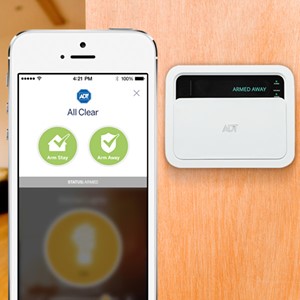
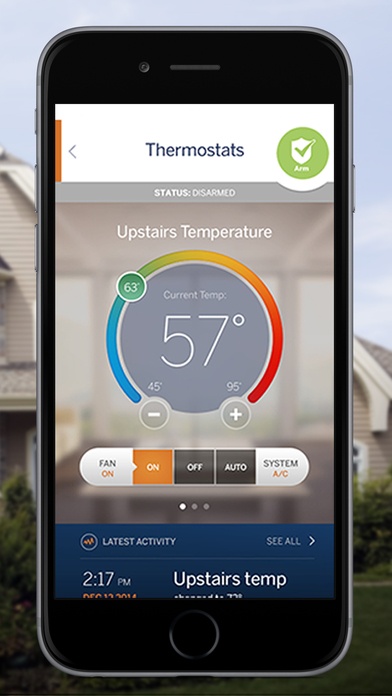
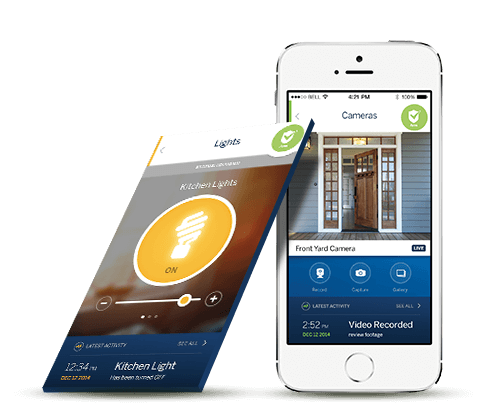
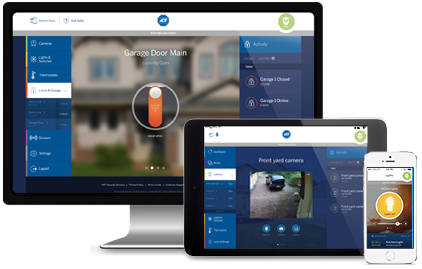
ADT Pulse gives you remote home security from mobile devices and computers including being able to remotely check the status of your security system, mobile arm/disarm, text and email notifications of alarm and device events, cameras, thermostat control, lighting control, garage door control and automated door locks. The ADT Pulse platform has created an ecosystem allowing control of other smart home devices like the Nest thermostat or Ring Video Doorbell.
If you would like to upgrade your existing security system to ADT Pulse, check out your options below.
This blog will cover these 4 upgrade options:
- Upgrade your existing home security system to the ADT Command
- Upgrading your current ADT monitored security system within the first two years of your initial installation.
- The benefits of upgrading after two years of being a monitored ADT customer.
- DIY (do it yourself) options for upgrading your ADT System.
ADT Pulse App is the Highest Rated Smart Home Security Mobile App
Posted by Greg Barker on Tue,Jan 15,2019 @ 12:58 PM
It is important today with smart home automation that you have a mobile App that works flawlessly. You can have some fantastic smart home devices, but if your App does not do it's job... what's the point?
Read MoreTags: ADT Pulse Security System, Mobile Home Security (Mobile Apps), Smart Home Automation
Top 10 Questions about the latest ADT Pulse App Update
Posted by Taniqua Pino on Tue,Jun 27,2017 @ 09:57 AM
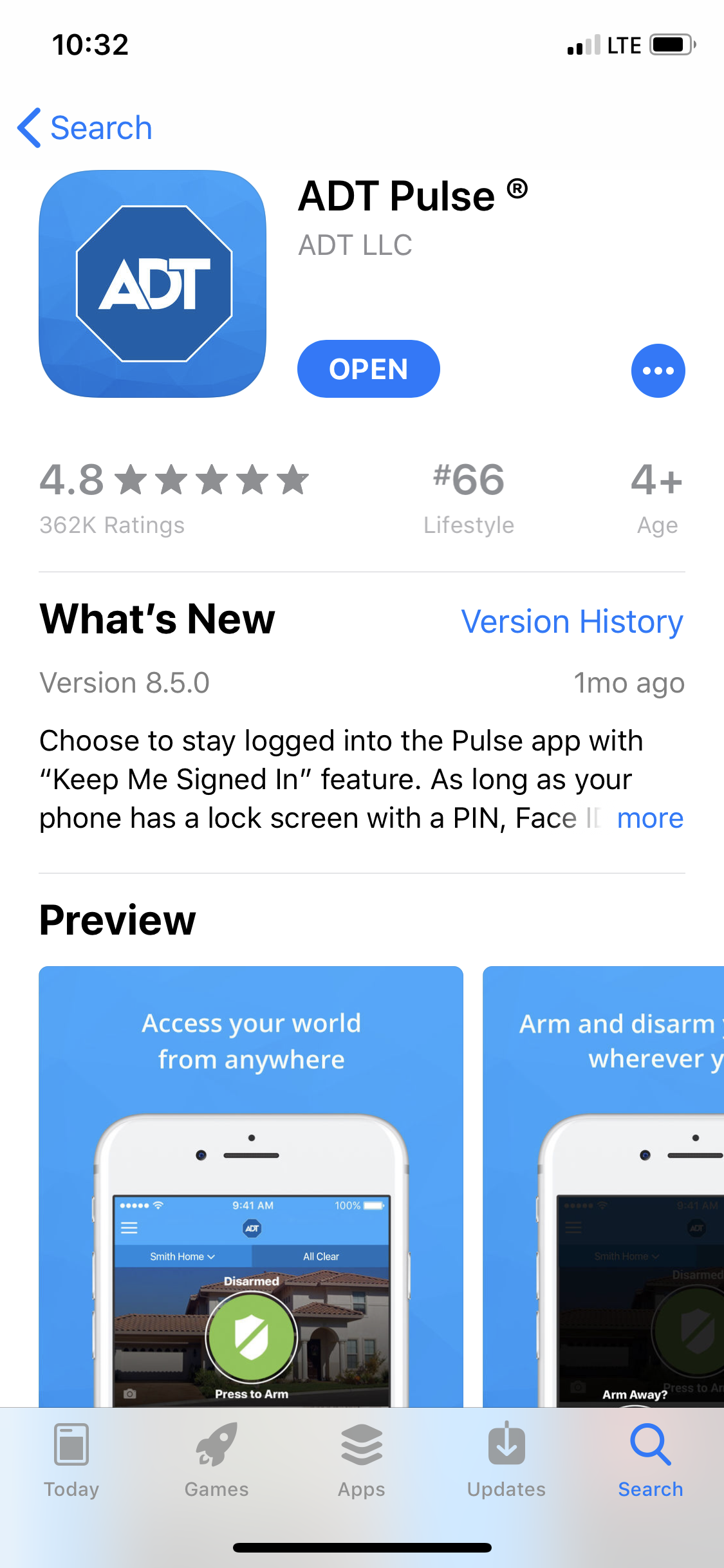
Make sure to download the latest version of the ADT Pulse App. The newest version has a fresh new feel that is easier to navigate. Check out the top 10 questions and answers about this new release
1. What is different about the new version of the ADT Pulse App?
There are a couple of key differences in this version of the Pulse App:
- New look and feel, with easier access to the features you need,
- Improvements to app performance,
- Tips and FAQs to help answer your questions,
- Personalize your dashboard just the way you want it.
See the video below to learn more.
Watch this video to learn more about the ADT Pulse 8.0 app.
As always, the app makes it easy to manage your system from anywhere and at anytime. If you are new to the system or new to the app, you'll find it's super easy to use. Enter your Pulse user name and password that was set up for your on-line account and then select United States. You then can set up a pin to make logging in quicker in the future.
You will then be taken to your new customizable dashboard. You can set up the dashboard to see the things you want to see first. If you have ADT Pulse cameras, you can swipe and go through the different cameras right in your dashboard.
The new version of the Pulse app gives you more ways to manage your home while on the go. The release did coincide with an update that caused some problems. Deleting the app and re-loading has resolved the issues in most cases.
5 Ways ADT Pulse Offers Peace of Mind for Your Vacation Home... other than burglary protection
Posted by Taniqua Pino on Wed,May 24,2017 @ 11:37 PM
Spring has sprung and for many, it’s time to plan a getaway to the vacation home.
Vacation homes are safe havens where we escape the stresses of everyday life and rejuvenate our lives. Whether your vacation home is in the woods, near a lake or right in the middle of a city near loved ones, it’s that ideal haven you chose to recharge your battery at.
While planning your trip, thing about adding a security system to your home away from home if you haven’t already.
Here's 5 ways an ADT Pulse system will keep your vacation home feeling like a vacation.
- A team or professionals to respond to emergencies while you are away.
- ADT Pulse Cameras provide a live video surveillance feed to keep you in the know.
- Remote access with ADT Pulse Deadbolt Locks allows you to let in service people
- With ADT Pulse Thermostats, you can take preventative measures against extreme weather.
- The ADT Pulse App and Personalized Web portal keeps you in the know and in control.
Make sure you leave your vacation home well protected when you head back to reality this year. Click below and get a free quote to protect your sacred time away.
Read More
Tags: ADT Pulse Security System, ADT Pulse Equipment and Packages, ADT Pulse Cameras
Tags: ADT Pulse Security System, ADT Pulse Equipment and Packages
Alexa Has a New Skill: ADT Pulse Security and Home Automation is Listening
Posted by Greg Barker on Mon,Apr 24,2017 @ 09:56 PM
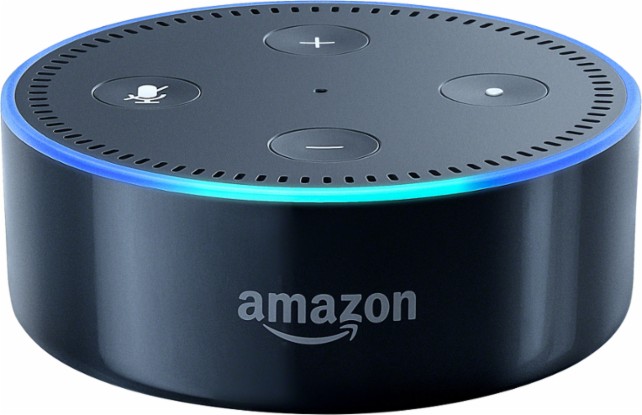
I just added the ADT Pulse Skill to my Echo Dot from Amazon and Alexa is now controlling my ADT Pulse Security System including my ADT Pulse home automation devices. I have learned from experience that you must give Alexa the right commands exactly as she wants to hear them for the actions to smoothly work.
For example , I was asking Alexa to "Ask ADT to lock the front door"... she said I can not lock the front door. I tried several more times and she basically just said NO. Well, after a little reading about the ADT Pulse Alexa skill commands I realized I need to say "Alexa, ask ADT to lock my front door lock". It worked perfectly!
Why this happened was because the wireless door sensor was named Front Door in my ADT Pulse Portal and my ADT Pulse Automated Door Lock was named Front Door Lock. So it is important to have the items you will use Alexa to command... named with what makes sense to you. Login to your personlized ADT Pulse web portal to make the name changes of devices to match the commands you will be giving to Alexa. Once you get open the web portal go to the SYSTEMS tab and click on the device you want to rename. You will be able to rename home automation devices and cameras. You can not rename door window sensors, motions, glassbreaks, smoke, etc because they match the zone chart ADT has for the security portion of your security system. The naming of the security devices are programmed by the installer at the time of your initial installation. If you want certain names for the security system devices, let the Technician know when they are installing your system.
After reading the list of ADT Pulse commands, I was able to ask Alexa to to check the status of my security system, arm and disarm my security system, lock my front door and control the lamp in my living room. I did like when I asked Alexa to arm my security system, that she told me which doors and windows were open and if I still wanted to arm the security system. It is an easy setup and once you give Alexa the right commands, she controls the ADT Pulse system quite nicely.
I did decide to rename my light in my living room so it will be easy for me to remember when asking Alexa to control the lighting. I went to my ADT Pulse Portal Login and renamed the lamp module in my living room. On the Alexa skill setup you will also need your ADT Pulse login user name which is your email for the account and your ADT Pulse login password to link Alexa with ADT Pulse. Alexa will also need you to enter a PIN number. This PIN number can be different than the code you use for your alarm panel or the same... your choice. The Alexa PIN will be needed to disarm your security system, unlock your door locks or open your garage door. Other commands do not need the PIN number.
It is important to note that you will need to have ADT Pulse Level III monitoring service for all the above to work with Alexa. See how to upgrade your ADT security system to be compatible with the Alexa Skill for Amazon's Echo and Echo Dot.
Here are some of the commands Alexa will listen to:
Customer FAQs about ADT Pulse Alexa Skill
Discover answers to the most frequently asked questions from ADT customers with the click of a button.
Below is from ADT's website
1. What can I do with the ADT Pulse Amazon Alexa skill?
With the ADT Pulse skill, you can enjoy the convenience and security of home automation while getting the most out of your ADT Pulse system. For example, you can say commands such as:
"Alexa, ask ADT to disarm the system with 8675."
"Alexa, ask ADT the status of the Front Door Lock."
"Alexa, ask ADT to turn on the porch light."
"Alexa, ask ADT to unlock the Back Door Lock with PIN 1431."
Please note that the device name must match what is in the Pulse portal or Alexa will not be able to understand the command.
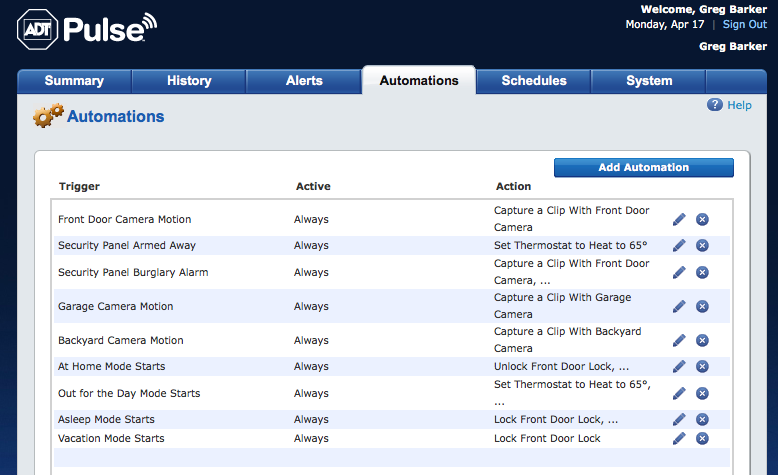
When you get your ADT Pulse security system installed the next step is to decide what you want to program it to do. Now that you have cameras, door locks, thermostat, lighting and garage door control.... NOW WHAT?
Tags: ADT Pulse Security System, ADT Pulse Equipment and Packages, ADT Pulse Cameras
Tags: ADT Pulse Security System, ADT Pulse Equipment and Packages, ADT Pulse Cameras, Security Cameras and Video Surveillance Systems, Mobile Home Security (Mobile Apps)
Upgrade to ADT Pulse: Include Cameras and Home Automation
Posted by Greg Barker on Sat,Apr 08,2017 @ 10:07 AM
ADT Pulse cameras and home automation are becoming very popular. We have current ADT customers calling daily to find out how they can upgrade to ADT Pulse. With the ADT Pulse App giving customers the ability to remotely control their security systems, door locks, thermostats, lighting and garage door, many customers want this new technology in their homes. So if you currently have ADT security monitoring service and do not have cameras or home automation, how do you order the upgrades and have them installed?
Read MoreTags: ADT Pulse Security System, ADT Pulse Cameras, Home Technology Management and Automation